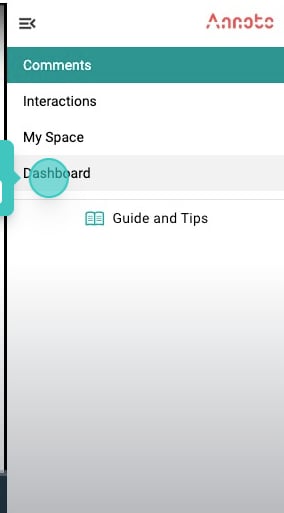

Accessing Annoto Dashboard
You can access the Annoto Dashboard in two ways:
From the Course Level
From the Video view
Accessing Annoto Dashboard from the Course Level
You can access the Annoto Insights Dashboard directly from the Canvas menu:
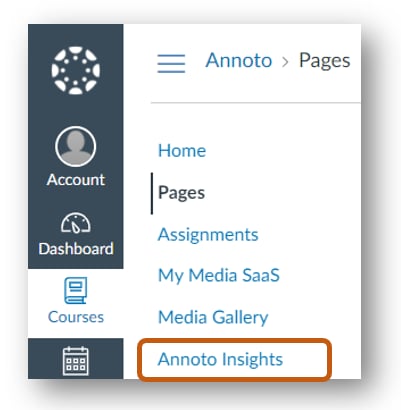
The Annoto Insights Dashboard is displayed.
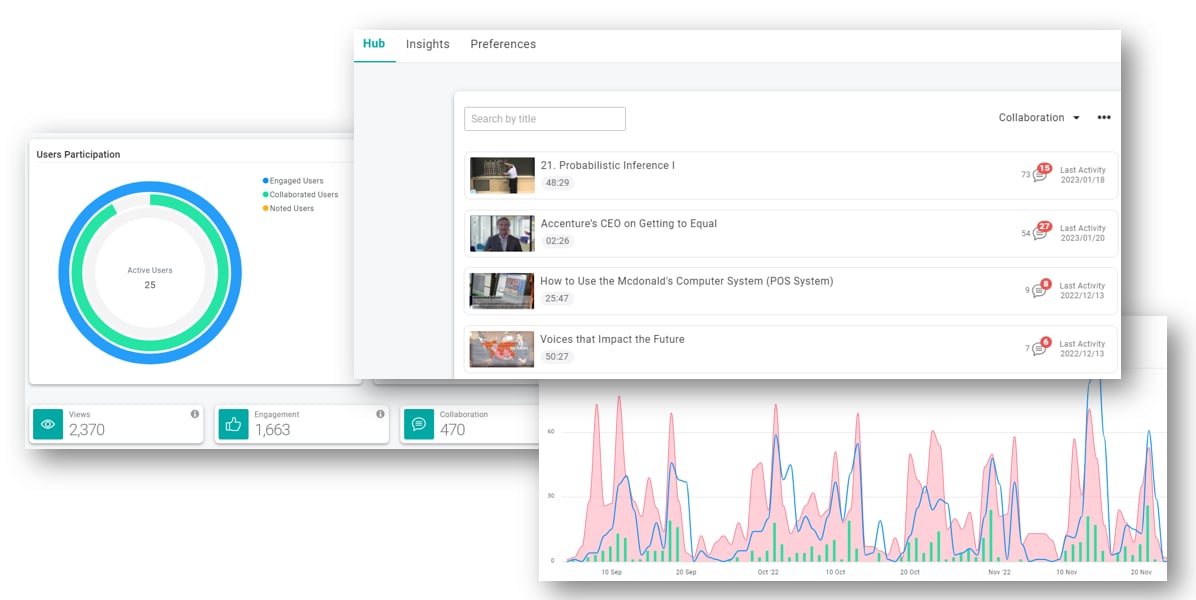
Accessing Annoto Dashboard from the Video view
Go to one of the video where you have Annoto.
Based on your organization setting, you will have one of the following two options:
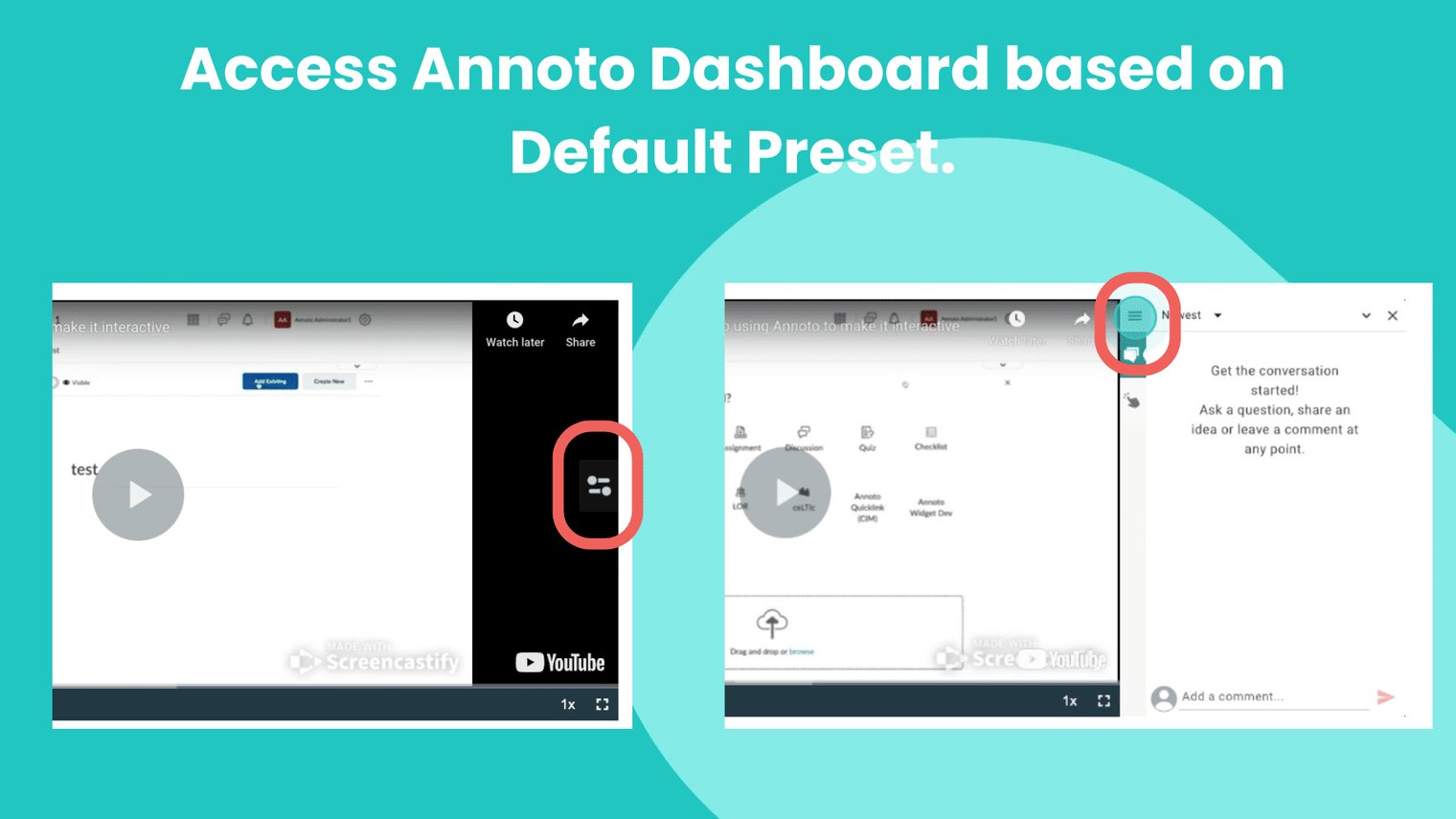
After clicking the Icon, you will see Annoto Dashboard launch

If you click on the menu, you should then click on the Annoto Dashboard: